AI TOOL / #08576
C.AI Sync Tool
Chrome extension for syncing Character AI characters to other platforms.
Introduction
Chrome extension to synchronize Character AI characters to other platforms.
What is Character AI Synchronizer ai chrome extension/plugin?
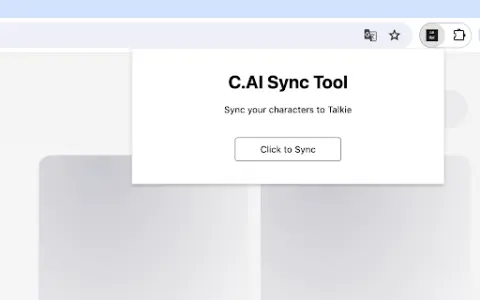
The tool is a Chrome extension designed to help users quickly copy characters created on Character AI to other platforms. It facilitates better dissemination of creative ideas and enables easy management and synchronization of characters across multiple platforms.
How to use Character AI Synchronizer ai chrome extension/plugin?
1. Install the Chrome extension.
2. Visit the Talkie web platform (https://www.talkie-ai.com/) and log in.
3. Visit Character.ai (https://character.ai/) and complete the login.
4. Click the plug-in to open it, then click the Sync button to sync.
Character AI Synchronizer ai chrome extension/plugin core features
Sync characters from Character AI to other platforms
Related
EXIF viewing and clearing (PixPix)
Photo metadata cleaning
RHTV
AI infinite canvas creation tool
Social Profile Generator (PixPix)
Pixel-precise social media cover image
Image format conversion (PixPix)
Converting between PNG/JPG/WebP/AVIF formats
Image cropping (PixPix)
Proportional cropping and free cropping
WorkRally
Tencent AI Comic Creation Platform