AI TOOL / #07326
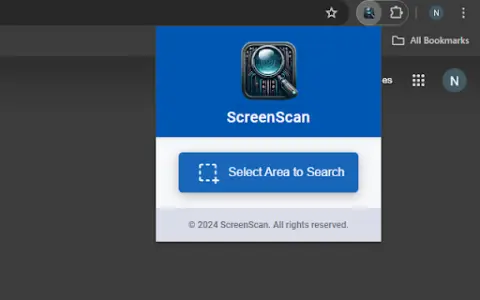
ScreenScan – Instant Screenshot Search
Google Lens: Instantly capture, search, and explore images, videos, and text online.
Introduction
Google Lens: Instantly capture, search, and explore images, videos, and text on the web.
What is the Google Lens AI Chrome extension/plugin?
Google Lens is a powerful tool that allows users to instantly capture, search, and explore any image, video, or text online with a simple tap. It uses advanced image recognition technology to provide relevant information and insights based on what it sees. Whether you want to identify a plant, translate text in real time, find similar products, or learn about a landmark, Google Lens can help you discover more about the world around you.
How do I use the Google Lens AI Chrome extension/plugin?
Simply tap an image, video, or text on a web page, and Google Lens will analyze the content and provide relevant information, search results, and related actions.
Core Features of the Google Lens AI Chrome Extension/Plugin
Image Recognition
Text Translation
Product Identification
Object Recognition
Visual Search
Related
Doclime
AI tools communicate with PDF files to extract information and obtain immediate responses.
AI Describe Picture
AI platforms are used for image description, prompt generation, and content transformation.
Intics
Intics accelerates document processing by utilizing artificial intelligence to transform data into actionable insights.
splitty
Splitty simplifies splitting the bill with receipt scanning, item assignment, and Venmo integration.
xDesk
xDesk is a versatile application designed to organize, protect, and manage various types of data.
Papper: Scan Handwritten Todos
Papper is an iOS app that uses AI to synchronize handwritten and digital to-do lists.