AI TOOL / #07091
ScreenRedact
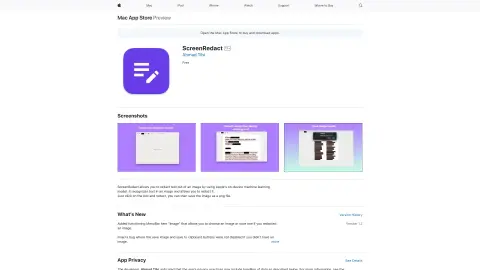
A Mac application designed to use local machine learning techniques to identify and highlight text within images.
Introduction
Mac app for redacting text in images using on-device machine learning.
What is ScreenRedact?
ScreenRedact is a Mac application developed by Ahmad Tibi that allows users to quickly conceal sensitive information from images. It utilizes Apple’s native machine learning technology to identify text within images and provides a user-friendly interface for masking those areas. The modified images can then be saved in PNG format.
How to use ScreenRedact?
Open an image in ScreenRedact, and the application will automatically detect any text present. Click on the text to darken it. Save the darkened image as a PNG file.
The core functions of ScreenRedact
Using Apple’s native machine learning technologies for text masking/darkening.
Save the image in PNG format.
Copy the image to the clipboard.
Related
basedash.com
An AI-powered business intelligence platform that enables data visualization and querying using natural language.
vizGPT
An artificial intelligence tool that generates visualizations based on natural language queries and datasets.
Smarty: Your Productivity Sidekick
Smarty is a conference scheduling software as well as an artificial intelligence personal assistant.
Art Flaneur
Mobile applications designed for artistic exploration, cultural tourism, and the creation of personalized art experiences.
CalendarHunter
An artificial intelligence-based sales tool used to locate meeting agenda links and arrange meetings directly.
Pesto (Pragli) Scheduler for Google Calendar
With just one click, you can schedule Google Calendar events in the Pesto room, ensuring efficient reservation of meeting spaces.