AI TOOL / #06683
VoiceChatter
Convert speech into text in Chatter format.
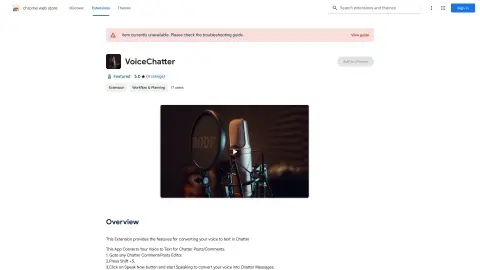
Introduction
Converts voice to text for Chatter posts and comments.
What is the Voice to Chatter Converter AI Chrome extension/plug-in?
This application converts your voice into text for Chatter, allowing you to create messages quickly and easily using voice recognition technology.
How to use the Voice to Chatter Converter AI Chrome extension/plug-in?
1. Open any Chatter comment/posting editor.
2. Press Shift + S.
3. Click the “Speak Now” button and start speaking; your voice will be converted into a Chatter message.
The core functionality of the Voice to Chatter Converter AI Chrome extension/plug-in
Chatter's text-to-speech function
Related
AdSpawn
An artificial intelligence marketing platform dedicated to mobile games, which generates advertising copy and creative content for ASO strategies.
Atria chrome
An AI-powered platform designed for storing, organizing, and analyzing ads from Meta and TikTok.
Generate Ads AI
An AI tool that generates eye-catching ads in minutes.
Wafrow. Landing pages on steroids
An AI-based platform designed for automating dynamic images and personalized marketing efforts.
Make.ad
AI platforms can quickly generate product advertisements in text format that achieve high conversion rates.
Mixl
Mixl uses AI music to increase focus and creativity for individuals and teams.