AI TOOL / #06520
Text-to-Speech with OpenAI TTS
A Chrome extension for text-to-speech that uses the OpenAI API, featuring voice options and a download function.
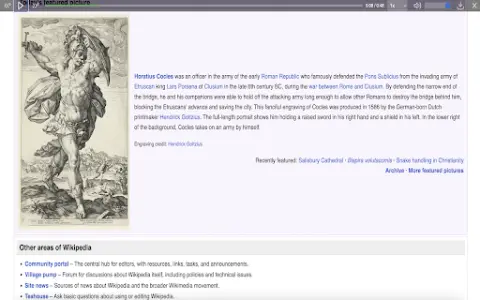
Introduction
Chrome extension for text-to-speech using OpenAI API with voice options and download.
What is the SpeakIt AI Chrome extension/plugin?
SpeakIt is a Chrome extension that uses OpenAI's text-to-speech API to convert selected text into speech. It offers a variety of voice options, playback controls (play, pause, stop), and the ability to download the generated audio as an MP3 file. The extension is designed to enhance accessibility and provide a convenient way to listen to text content.
How do I use the SpeakIt AI Chrome extension/plugin?
1. Install the SpeakIt Chrome extension. 2. Select the text you want to listen to. 3. Click the SpeakIt extension icon. 4. Select your preferred voice. 5. Use the playback controls to listen, pause, or stop the audio. 6. If needed, you can download the audio as an MP3 file.
Core Features of the SpeakIt AI Chrome Extension/Plugin
Using the OpenAI API for Text-to-Speech Conversion
A Variety of Voice Options
Playback Controls (Play, Pause, Stop)
Audio Download (MP3)
Related
Strand Book Store
纽约特色独立书店
WEBTOON
Global online comic reading platform
The Authors Guild
Writers' Rights and Publishing Industry Organizations
The Commercial Press
Comprehensive academic and humanities publishing institution
Locus Magazine
Media specialized in science fiction and fantasy literature
GAtrends
AI Trend Radar for Changes in Keyword Usage