AI TOOL / #05809
DigiFace
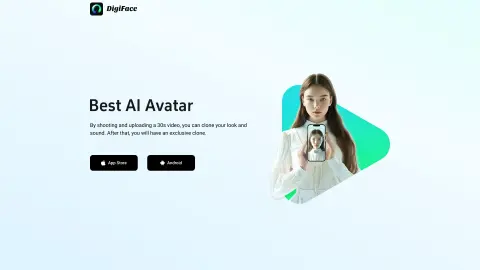
DigiFace uses 30-second videos and text to generate AI-generated avatar videos.
Introduction
DigiFace creates AI avatar videos from a 30s video and text.
What is DigiFace?
DigiFace allows you to seamlessly transform your appearance and voice into an engaging AI avatar video by simply recording and uploading a 30-second video. By entering text, you can instantly generate an AI avatar video with synchronized speech, saving time and improving productivity. With just one 30-second video recording, you can create a clone of yourself in terms of both appearance and voice – and thus obtain a unique digital version of yourself.
How to use DigiFace?
Record and upload a 30-second video to clone your appearance and voice. Then, enter the text you would like to have appear on your avatar, and DigiFace will generate an AI avatar video with that voice.
The core functions of DigiFace
Generation of AI avatars and videos
sound cloning
Physical appearance cloning
Text-to-speech avatar videos
Related
whatmore.live
Video marketing solutions include the ability to create AI-generated product videos as well as integrate shopping-ready videos into promotional materials.
SlidesOrator
A 3D avatar AI presentation platform offering interactive slides and AI narration.
Keevx
Keevx: An AI video generator that uses real avatars | Start for free.
TokkingHeads
AI-driven tools for game development and content creation, including avatar animations.
ai-hug.org
AI Embraces: Use artificial intelligence to transform photos into cozy AI-embrace videos.
Muvie
An AI-driven platform used for creating animations that incorporate character design, animation techniques, and voice recording features.