AI TOOL / #02339
Butterfish Shell
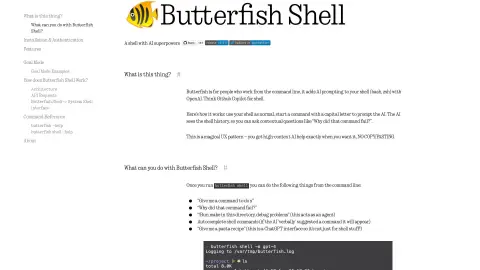
An AI-powered command-line tool designed for shell prompts and automatic completion.
Introduction
AI-powered command-line tool for shell prompting and autocompletion.
What is a Butterfish?
Butterfish is a command-line tool that uses OpenAI or compatible APIs to add AI-based suggestions to your shell (bash, zsh). It’s essentially like Github Copilot, but tailored specifically for the command-line environment – allowing you to utilize LLMs directly within the command line to complete software engineering tasks. It offers features such as context-aware assistance and automatic command completion.
How to use Butterfish?
Install Butterfish using Homebrew or by running `go install`. Launch a new shell instance with AI capabilities by executing `butterfish shell`. Type commands starting with a capital letter to trigger the AI functionality. Use `!` to enter target mode, and `!!` to enter unsafe target mode.
The core features of Butterfish
Implementing AI suggestions in the shell (bash, zsh)
Command autocompletion
The target mode is used for automating task execution.
Customizable prompts
Integration with OpenAI and compatible APIs
Related
Corefactors AI CRM
AI-driven CRM systems are designed to assist sales, marketing, support, and success teams in driving revenue growth.
DryMerge
AI-based platform that automates tasks between applications and automatically updates CRM.
Cryptocurrency Forecast and RoboAdvisor
An AI-powered cryptocurrency trading platform that assists users in making efficient decisions.
CryptoTradeMate
An artificial intelligence-based cryptocurrency trading robot platform that offers automated strategies and risk management capabilities.
Pine Script Wizard AI
An AI-driven Pine Script code generator, designed for use in TradingView strategies and indicators.
MarketGPT
An AI model based on news analysis is used to predict stock prices.