AI TOOL / #02089
Tomat
A code-free data analysis platform that utilizes AI to process CSV and Excel files.
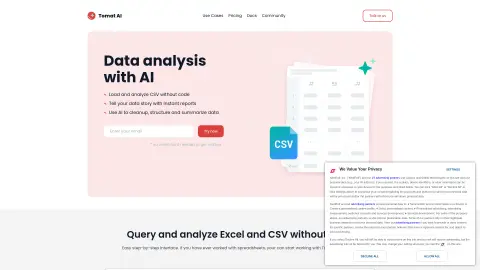
Introduction
No-code data analytics platform with AI for CSV and Excel analysis.
What is Tomat.AI?
Tomat.AI is a data analysis platform that requires no coding knowledge. It allows users to analyze CSV and Excel files through a visual, step-by-step interface. With the help of AI agents, it provides functions such as data cleaning, extraction, summarization, and sentiment analysis. Users can quickly generate reports, automate their tasks, and connect to various data sources without writing any code.
How to use Tomat.AI?
Download and install Tomat.ai. Load any CSV or Excel file. Use the intuitive user interface to perform visualizations that involve filtering, sorting, and grouping data. Take advantage of the “AI Columns” or “AI Tables” features to enrich, translate, analyze, or clean your data through natural language commands.
The core features of Tomat.AI
Code-free data analysis
AI-driven data conversion
Visual, step-by-step interface
Automatic data analysis
Data reporting and export
Related
Jib
Jib is a fast, smooth, and hands-free conversational artificial intelligence.
Dialora.ai
24-hour AI voice assistant, used for automated phone calls, appointments, and customer inquiries.
Vee
An AI virtual receptionist designed to handle business calls.
Avoma – AI Meeting Assistant
Meeting assistant for transcribing, summarizing and analyzing meetings.
VoiceTaking
A voice memo recording platform combined with artificial intelligence-assisted brainstorming tools.
Tape – AI Meeting Summaries, No Bots
Tape records the screen activity, generates transcribed text, and provides a timestamp summary of the meeting.