SteerLatch
Allow the chat AI to directly control your computer.
Introduction
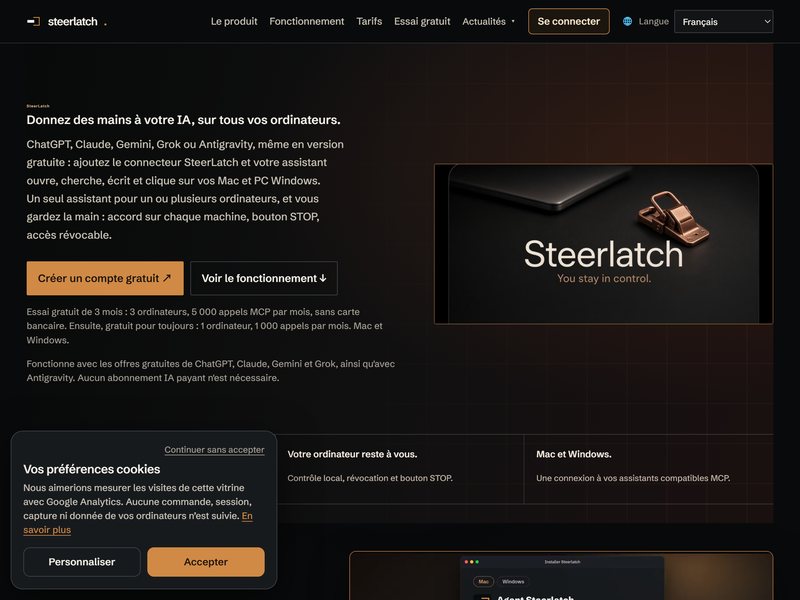
SteerLatch gives chatbots an extra “pair of hands.” By installing its connector in chatbots such as ChatGPT, Claude, Gemini, Grok, or Antigravity, and then setting up a local proxy on a Mac or Windows computer, AI can help you open programs, search for files, write content, and click buttons on your behalf.
It uses the MCP protocol; one assistant can manage multiple computers simultaneously, and several assistants can also share the same computer. Each time you use a particular machine, your approval is required. The level of permissions can be adjusted at will, and there is always a stop button available. You can also revoke the privileges of a specific AI or computer with just one click. According to the official website, the free version of these chat robots can be used without the need for any additional subscription or payment plans.
New users are entitled to a 3-month free trial, which allows them to use the service on up to 3 computers and make 5,000 calls per month. After the trial period ends, the permanent free version allows usage on 1 computer with a limit of 1,000 calls per month. The official website is initially set in French but also offers more than a dozen other language interfaces, including Chinese. It is recommended to create a test folder before using the service for the first time.